
For a long time, customers have been able to use the Broadcom Compatibility Guide to check which ESX versions their servers are compatible with.
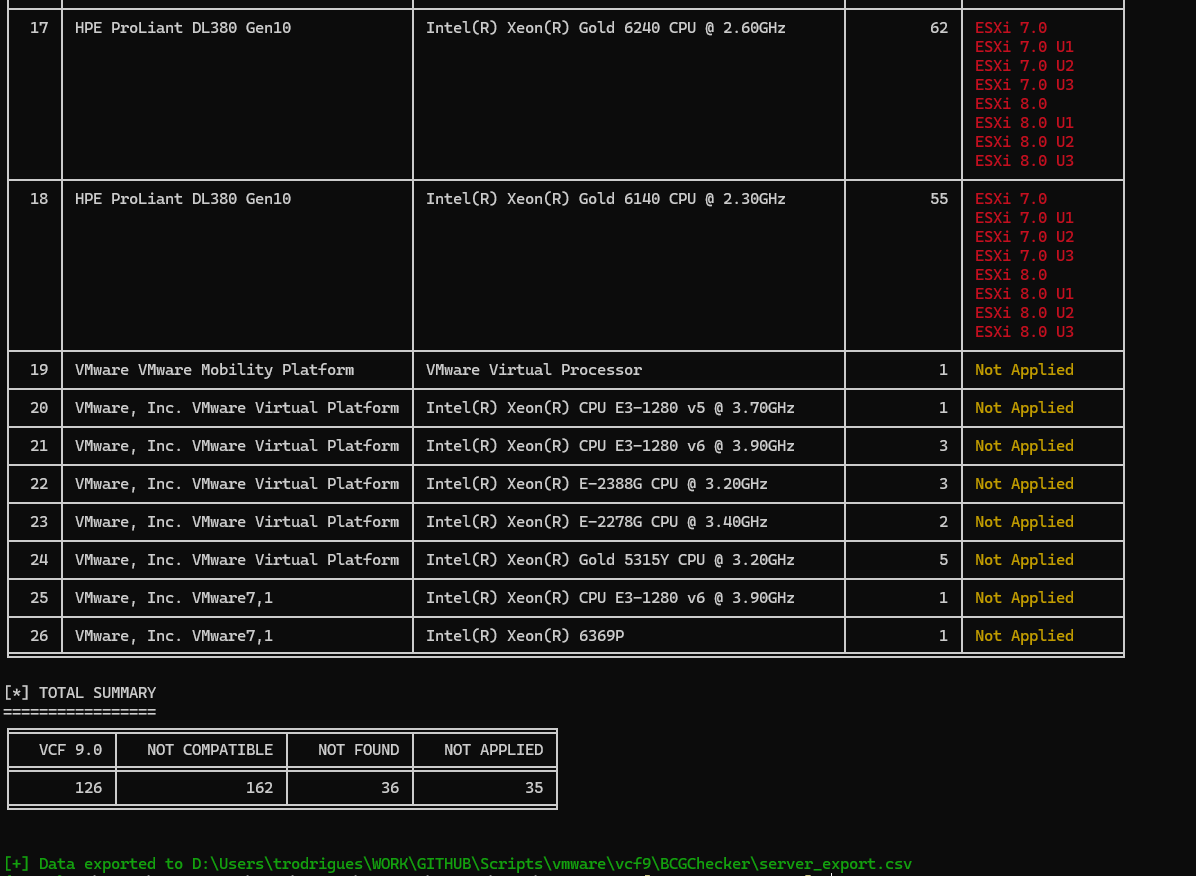
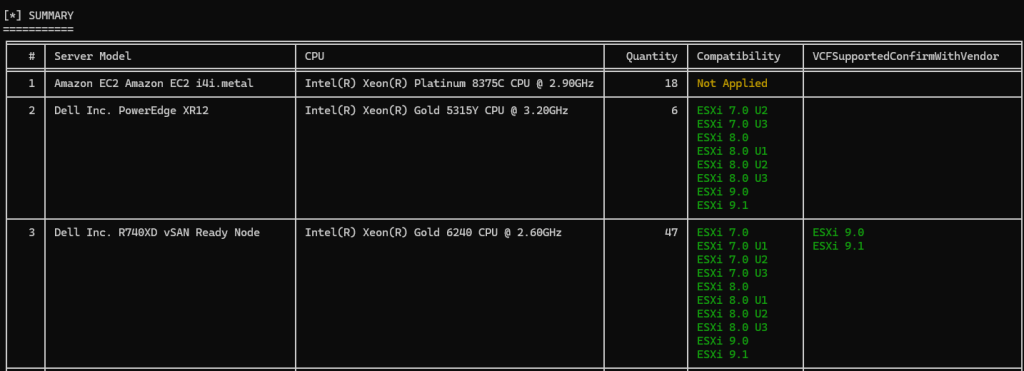
With VCF 9, this type of validation has become even more important. However, what if you have several different server models in your environment? With that in mind, I developed a script that connects to your Aria Operations instance, queries for your hosts, and retrieves which versions of ESX they are compatible with.
You can find the script here!
This allows you to programmatically assess server compatibility across your entire environment from a single script.
You can see how the script works below:
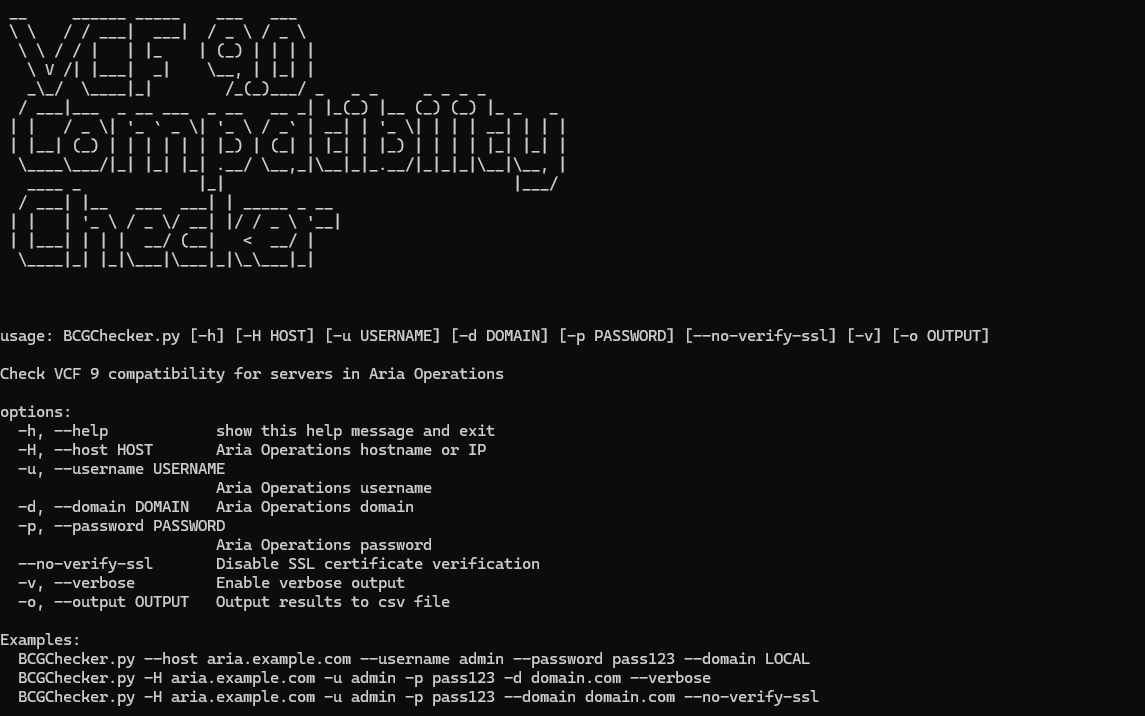
python.exe BCGChecker.py --help
	</div>
</div>
Example of usage:
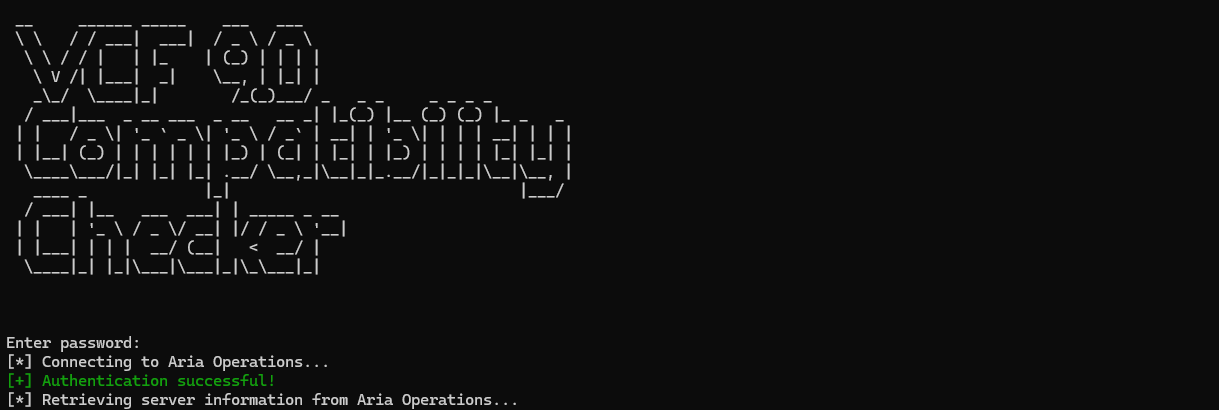
python.exe BCGChecker.py --host aria.node.com --username admin --domain LOCAL --password 'pass123' --no-verify-ssl
	</div>
</div>
Hope it helps!
UPDATE
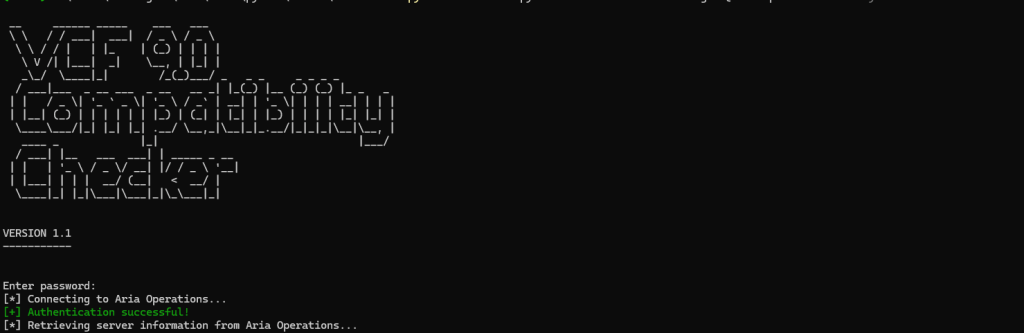
VCF 9.0 Compatibility Checker v1.1 is available!
This version now includes the new field “VCF Supported. Confirm w/Vendor” recently added to the Broadcom Compatibility Guide.
What does this new field mean?
← Back to the field notes